As an Amazon Associate, Modded gets commissions for purchases made through links in this post.
Video game companies and modern gamers are in a philosophical battle, quietly debating who owns what. One side wields platform control. The other uses payment receipts as proof of ownership. Which side is winning? Well, a bricked Switch or Switch 2 tells you that there was never a contest in the first place.
Nintendo’s Power
The Switch system software isn’t just firmware — it’s a gatekeeper. Nintendo pushes system updates to ensure your Switch runs the latest version. These updates include bug fixes, security patches and new features.
Years of owning electronics have ingrained in everyone the understanding that such updates are reasonable. Most never even care to read user agreements and terms and conditions.
If most Switch owners did, they would’ve known that Nintendo added an explicit warning that certain rule violations, including unauthorized modifications and software reverse engineering, can result in console bricking.
Getting caught using mods, playing pirated games or circumventing protections that prohibit access to Switch 2’s C button can render your device unusable forever. Nintendo reserves the right to ban your account and disable your console if you engage in behavior that exceeds what it considers permitted.
The Risk Is Real
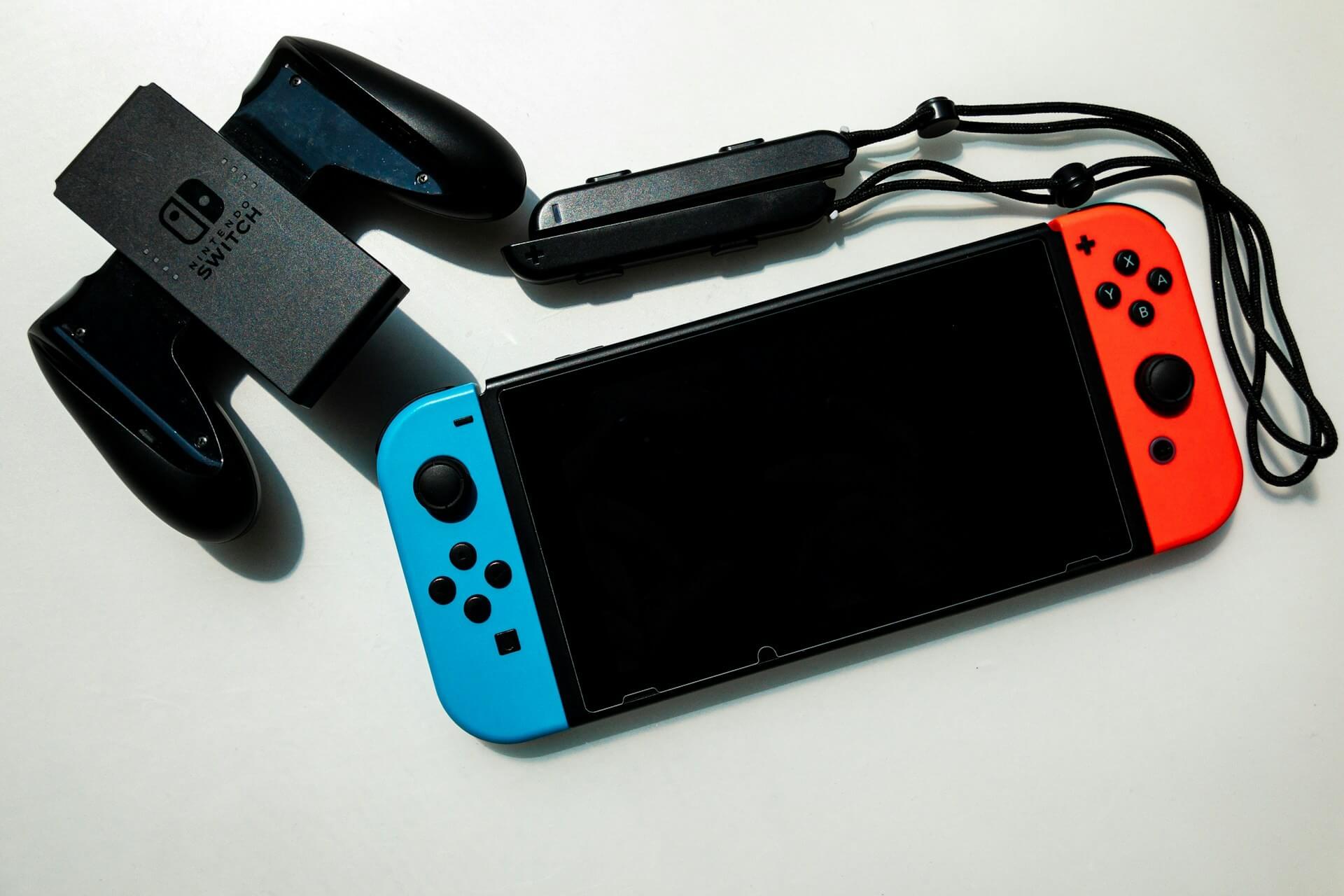
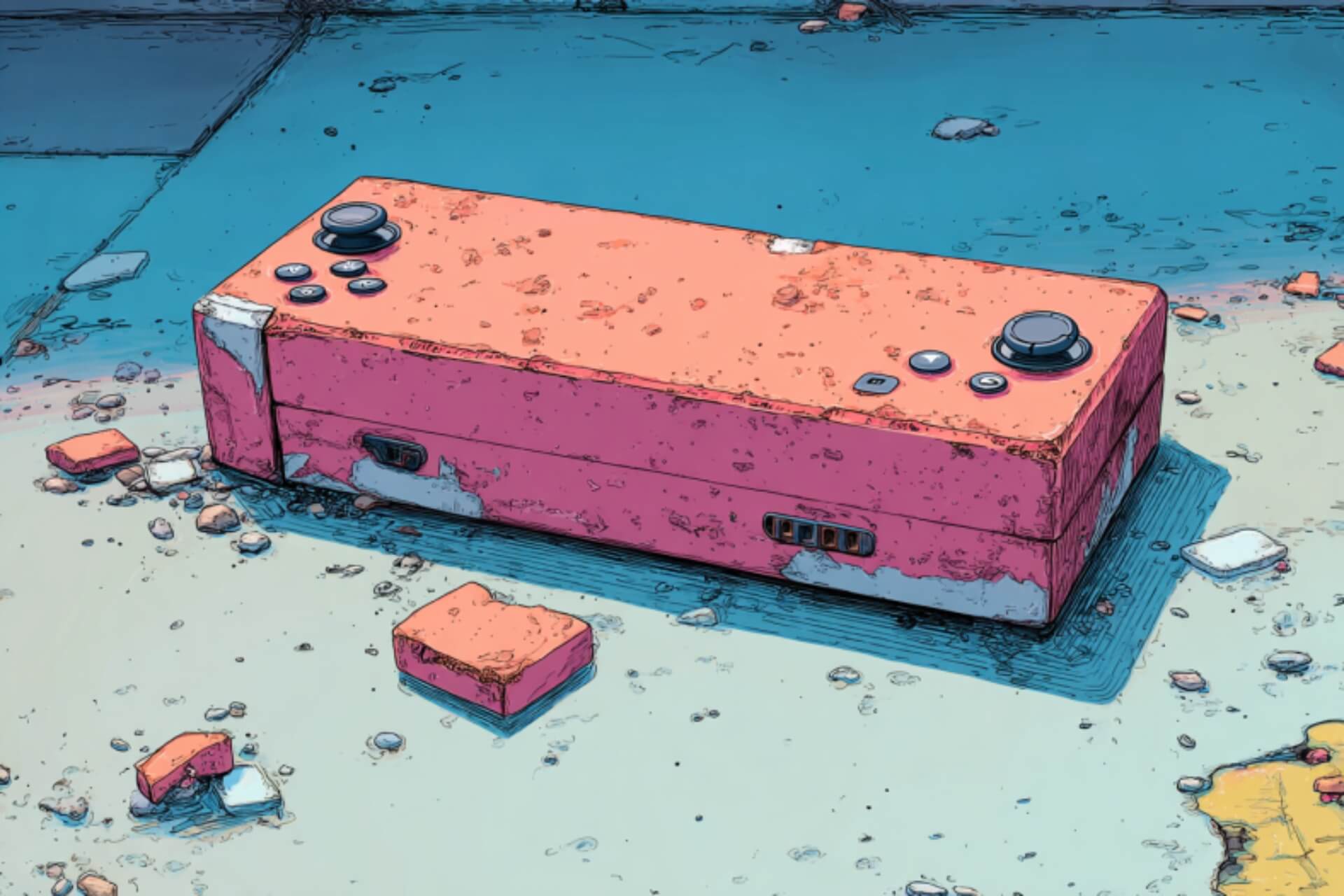
A bricked Switch is disabled, losing the ability to boot and access required services. If you own one, you often have no recourse.
The stakes are higher with the Switch 2. The new hardware, system transfer routines and stricter update enforcement render the idea of a bricked Switch 2 more than just hypothetical.
How We Got Here
To understand how this came about, familiarizing yourself with the forces at play helps.
A Closed Ecosystem Makes the Manufacturer More Powerful
Nintendo manufactures and has full control over your Switch/Switch 2 hardware, firmware and digital services. Switch is a walled garden by design to deliver excellent security at the expense of customizability and interoperability.
The gap between Switch and Switch 2 was eight years, suggesting that the Japanese gaming company spent considerable time to perfect its proprietary platform. Nobody outside Nintendo has the freedom to change anything without risking problems.
An Updated User Agreement Helps Enforce the Rules
Licensing agreements are rules enforcement mechanisms. Nintendo has undertaken due diligence by publicizing its intentions to penalize the worst user violations in its eyes by threatening to brick Switch consoles.
Announcing the punishment through a public document, regardless of whether the language is in the fine print of the user agreement, can shield the company from legal repurcussions if disgruntled customers fight back. The information is easily accessible, so ignorance of it may not be a good defense to challenge bricking Switch and Switch 2 systems.
Software Updates Improve Protection Against Violations
Some updates may require stricter validation of the hardware, software environment and services. Failure to comply may render your device permanently offline, losing the online capabilities and meet with friends virtually that made the console special.
Transfer and Legacy Requirements may Expose Violations

Ecosystems typically make upgrading to a newer device easy. Transferring from Switch to Switch 2 is no different. However, it requires the installation of certain system versions. Failing to meet this requirement may result in loss of access to Nintendo’s digital services.
In effect, while you own the console hardware, you don’t absolutely own the full use of it unless you play by Nintendo’s rules. The kill switch is built into the ecosystem.
How Bad Is a Bricked Switch?
That depends. For most users who buy from official channels, use only authorized software and update their consoles, bricking should not be a concern. But the situation can be bad if:
- You like to modify or use custom firmware.
- Your system hits a rare software bug or hardware failure.
- You fail to properly update or transfer between devices.
If you fall under any of those categories, you may feel the full force of Nintendo’s kill switch.
For example, some users have reported hitting a fatal error and needing forced maintenance mode updates after running update 20.0.0. Whether you’ve tampered with your Switch/Switch 2 or not, an interrupted upgrade or a bad update can mess with your device, and Nintendo’s ecosystem does not make recovery easier.
How to Fix Bricked Switch — 4 Quick Steps

Violator or not, you might still suffer bricked Switch or Switch 2. If it won’t boot, encounters errors or fails to update, try the following steps. However, these are general suggestions and don’t guarantee success, especially if your device has been tampered with or has hardware issues.
1. Do a Soft Reset/Power Cycle
Force your Switch/Switch 2 to shut down by holding the power button for tens of seconds. Many users report success. Then plug your device in, preferably with an official charger, and try booting up.
2. Use Recovery Mode
See if your device can boot into maintenance or recovery mode. Hold volume up and volume down while pressing the power button once. If it allows recovery mode, try to update from there.
3. Do an Official Update
Connect your Switch/Switch 2 to the internet. Then, go to System>System Update and apply available error patches.
4. Contact Nintendo Support
If none of the steps above work and your device is under warranty, contact official support. A qualified technician may repair or replace your Switch/Switch 2 at no cost.
However, any modification may void your warranty. Online resources are available, but unofficial tutorials don’t guarantee success.
How to Avoid Bricking Your Switch or Switch 2
Whether you own a Switch or are thinking of buying Nintendo’s best-selling home console, these tips can protect you from being stuck with an expensive paperweight:
- Buy from reputable retailers: Avoid dubious sellers despite the potential savings, especially when Japanese game developers hike prices when they feel the impact of American tariffs on their bottom line, to ensure your hardware is legitimate and not tampered with.
- Keep your system updated: Let it install official firmware updates from Nintendo.
- Avoid modifications: Unless you’re ready to opt out of support or warranty and risk bricking, don’t modify your device.
- Back up your data: Use cloud save via Nintendo Switch Online or other official methods to your save data if something goes wrong.
- Stay informed on policy changes: Understand what you’re signing up for whenever Nintendo updates its user agreements, terms of service and system requirements.
- Be cautious with secondhand units: You may end up with a previously modified or banned device, even if you buy from Walmart or another mainstream source.
To Tamper With Switch is to Hit a Brick Wall
In a perfect world, Switch owners can do whatever they want. In reality, Nintendo has business interests to protect. The company will throw its weight as a game software developer and flip the kill switch to harshly punish anyone trying to undermine them.
Bricking is a form of user behavior regulation. You can agree or disagree with it, but one thing’s undebatable — freeing your hardware from a brick-walled prison is a challenge you may not overcome.